
If you have ever watched a side project outgrow a managed cloud free tier, you know the bill shock: $50–$200/month for workloads that run comfortably on a $5–$10 Linux VPS.
On the other hand, managing raw Linux servers by hand—wiring up reverse proxies, renewing TLS certificates, configuring database backups, testing restores, and keeping container updates safe—quickly turns into unpaid DevOps work.
We built Rubuz to bridge that gap: connect a fresh Debian 13+ or Ubuntu 26.04 LTS+ VPS from any provider, and deploy Git repositories, Docker images, databases, WordPress, and one-click open-source apps from a single console.
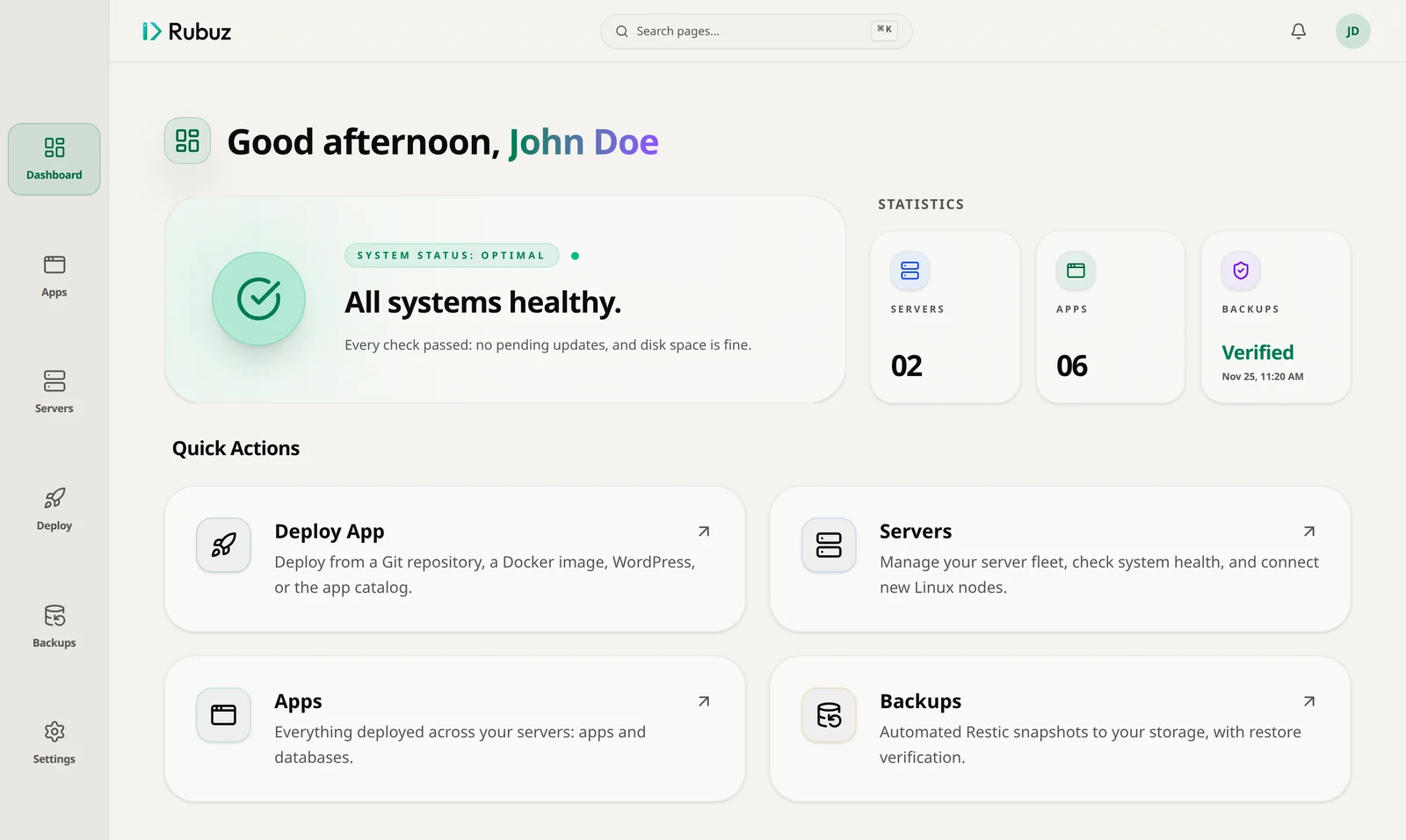
From day one, we designed around one non-negotiable rule: if you stop using Rubuz, your servers and apps keep running normally.
Here are the five engineering decisions behind the architecture.
1. Rootless Podman Instead of a Root Docker Daemon
Most deployment tools rely on a privileged dockerd running as root. That works until a container misconfiguration or breakout gives an attacker root-equivalent access on the host.
Instead, Rubuz runs workloads with rootless Podman managed by systemd:
- No central root daemon holding all containers together.
- Each app runs isolated inside its own unprivileged user namespace.
- Because
systemdowns the unit lifecycle, containers survive reboots and continue serving traffic even if you disconnect the management panel completely.
2. Digest-Pinned Images for Deterministic Rollbacks
Using mutable tags like :latest or even :16 in production is a silent trap. A routine restart can pull a slightly different image than the one you tested yesterday.
Every container unit and app recipe pins images by full SHA-256 digest (repo:tag@sha256:...). That means:
- Deployments are reproducible down to the exact layer.
- When an update fails a health check, rolling back restores the exact previous binary—not whatever a floating tag currently points to.
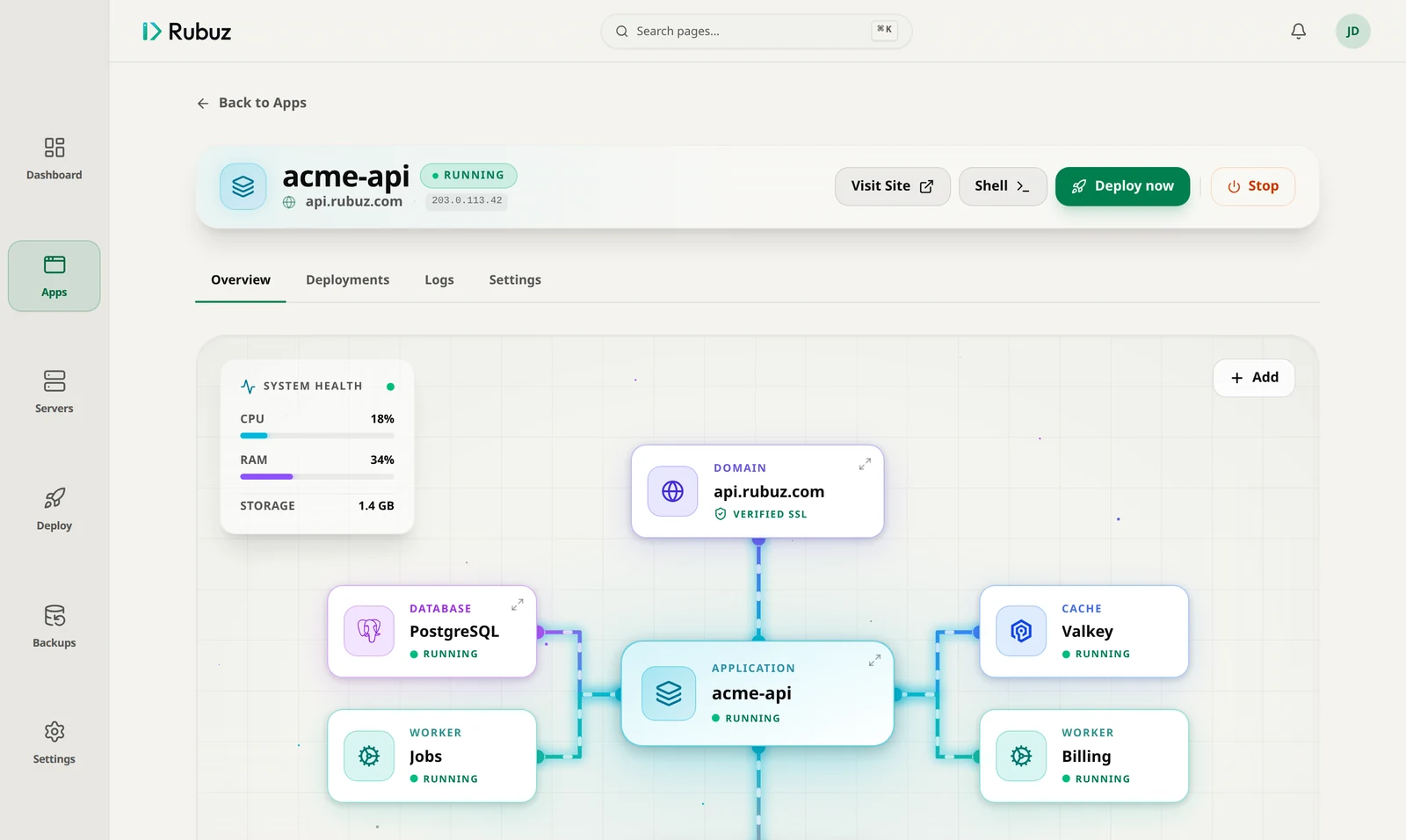
3. Traefik at the Edge for Zero-Touch Routing & Automatic SSL
Hand-editing Nginx virtual hosts and debugging Certbot cron jobs is nobody’s idea of a good Friday evening.
Traefik sits at the edge of each server to handle:
- Per-app custom domains with automatic Let’s Encrypt TLS certificates.
- Clean routing cutovers during deployments without dropping live connections.
4. Backups That Don’t Count Until You Test the Restore
Untested backups are just hope stored in an S3 bucket.
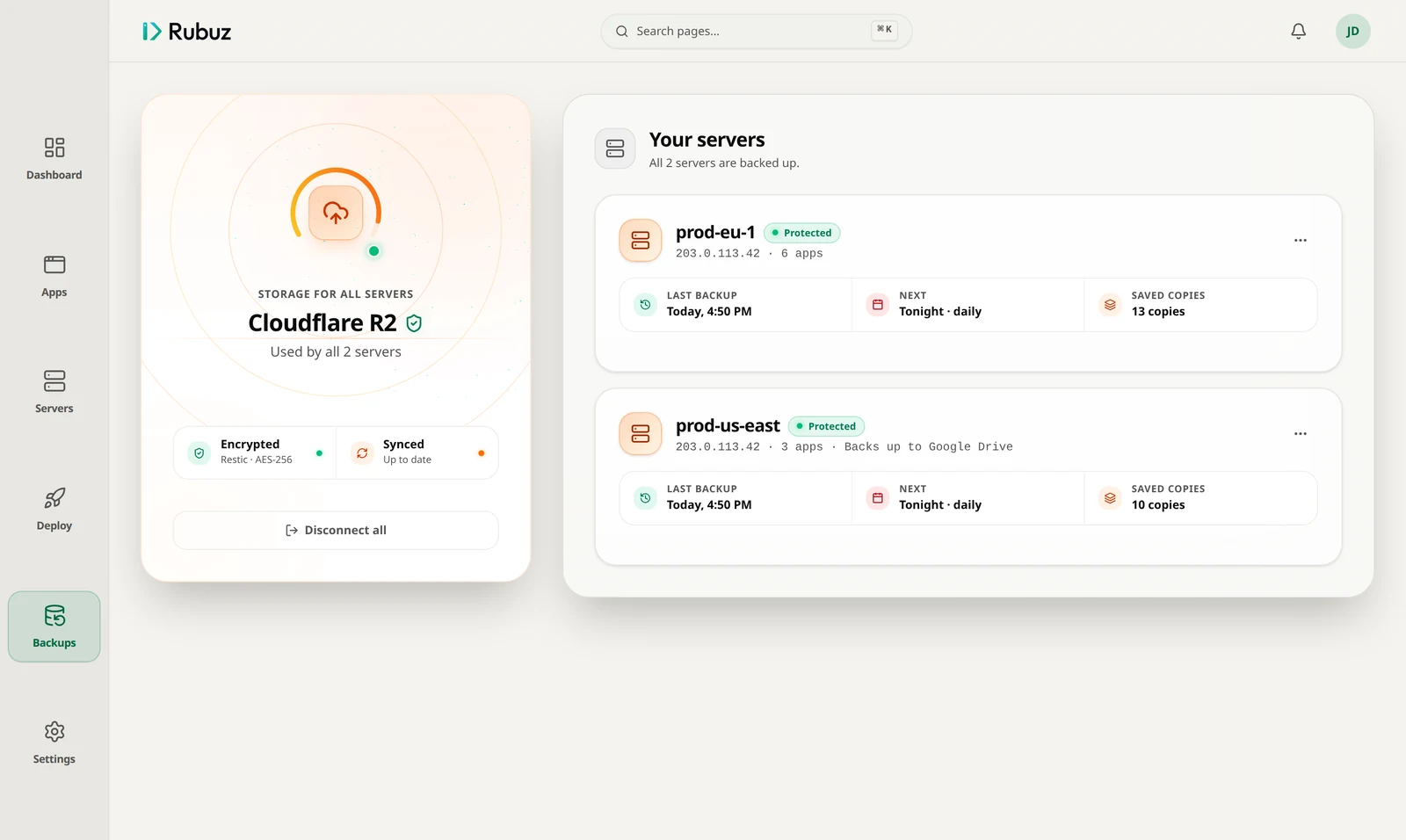
We built scheduled backups on top of Restic pointing directly to your own storage (S3-compatible object storage, Cloudflare R2, Google Drive, and more)—so you always own your data. Even better, backups are restore-tested monthly to verify snapshots are actually recoverable before an emergency hits.
5. Tuned OpenLiteSpeed for WordPress & WooCommerce
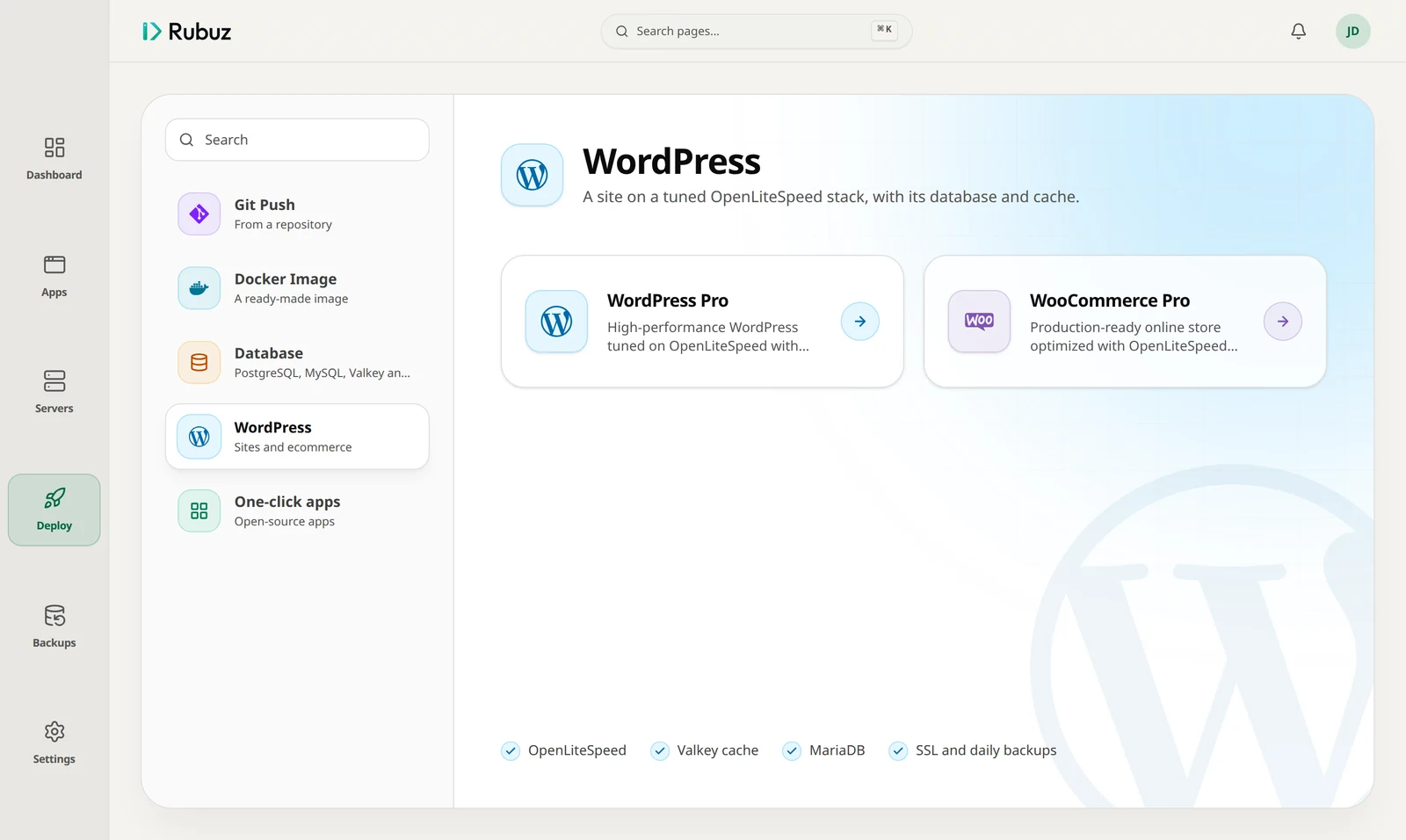
WordPress and WooCommerce behave very differently from Node or Go apps. Instead of forcing WordPress into a generic PHP-FPM container setup, Rubuz runs it on tuned OpenLiteSpeed with:
- Built-in page caching (LSCache) for fast TTFB on modest VPS specs.
- One-click staging environments.
- Updates that automatically roll back if the site fails to come back healthy.
The Console Stack Itself
For the management panel itself, we deliberately avoided a heavy SPA and microservice sprawl. It is a single Go binary built with:
- Go +
templ+htmx+ Tailwind CSS for fast server-rendered UI without a bloated JavaScript bundle. - PostgreSQL +
sqlcfor type-safe SQL queries. - MCP support (
cloud.rubuz.com/mcp) so developers can deploy, inspect, or troubleshoot apps directly from Claude, ChatGPT, or Cursor using their own AI subscription.
Try It on Your Own VPS
Rubuz works with any fresh Debian 13+ or Ubuntu 26.04 LTS+ VPS (Hetzner, Vultr, DigitalOcean, Linode, AWS Lightsail, and more) and supports:
git pushdeploys from GitHub, or images from Docker Hub and GHCR- Managed databases: PostgreSQL, MySQL, MongoDB, Valkey
- WordPress & WooCommerce on OpenLiteSpeed
- One-click apps:
n8n,Ghost,Metabase,Umami,Chatwoot, and more
You can start a 14-day free trial at cloud.rubuz.com—and if you ever decide to leave, your servers and apps stay yours.